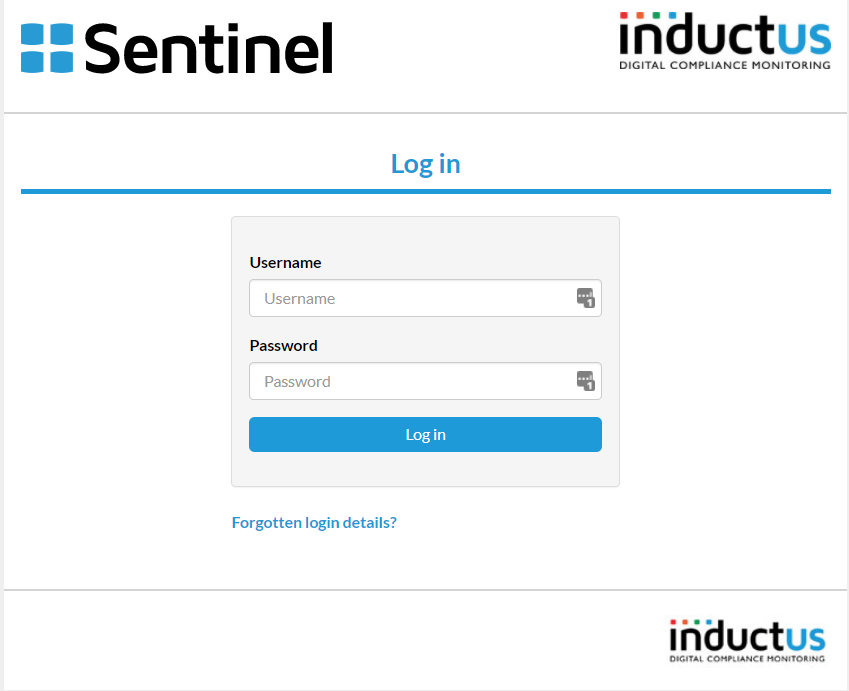
- Go to your Sentinel login page
- At the bottom of the page click on the blue text where it says "Forgotten login details?"
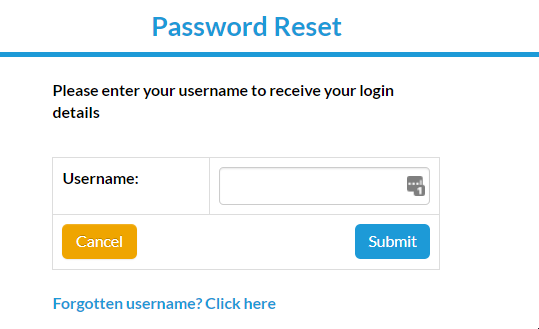
- The below screen will open - Click on 'Forgotten username?'
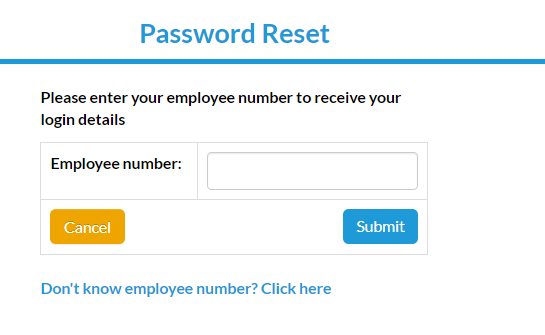
- Enter your employee number and click Submit. If you do not know your employee number click 'Don't know your employee number?'
- If you don't know your employee number you will need to enter your forename and surname with exact spelling (usually as per your payslip), as well as the email address linked to your account, and click Submit. Your login detail will be emailed to you shortly.
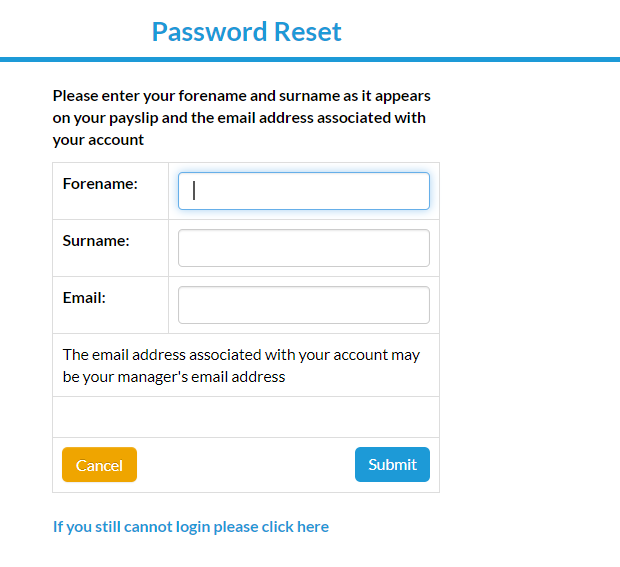
Note: If your account is linked to your site's administrator email address by default, then your password reset email and username may have been sent to them. If you/they do not receive receive your password email within 20 minutes, please raise a support ticket (click here) to report any login issues and one of our team will get back to you.